Personalized Analytics Experience
UX Case Study
Long Story Short
Date
Jun 2016 - Feb 2019
My role
Product designer, UX Researcher
Jun 2016 - Feb 2019
Product designer, UX Researcher


To comply with my non-disclosure agreement, I have omitted confidential information in this case study. All information is my own and does not necessarily reflect the views of MicroStrategy.
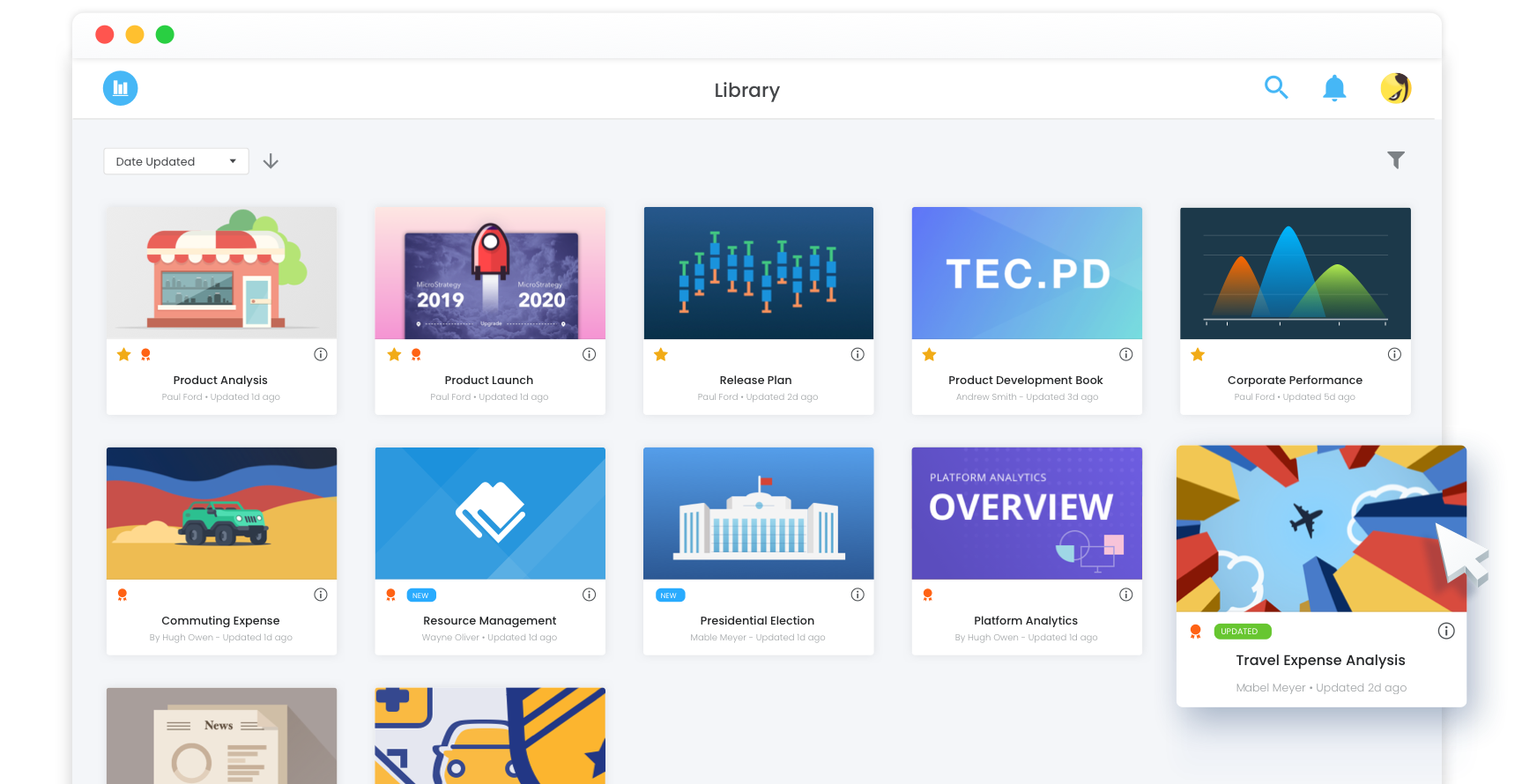
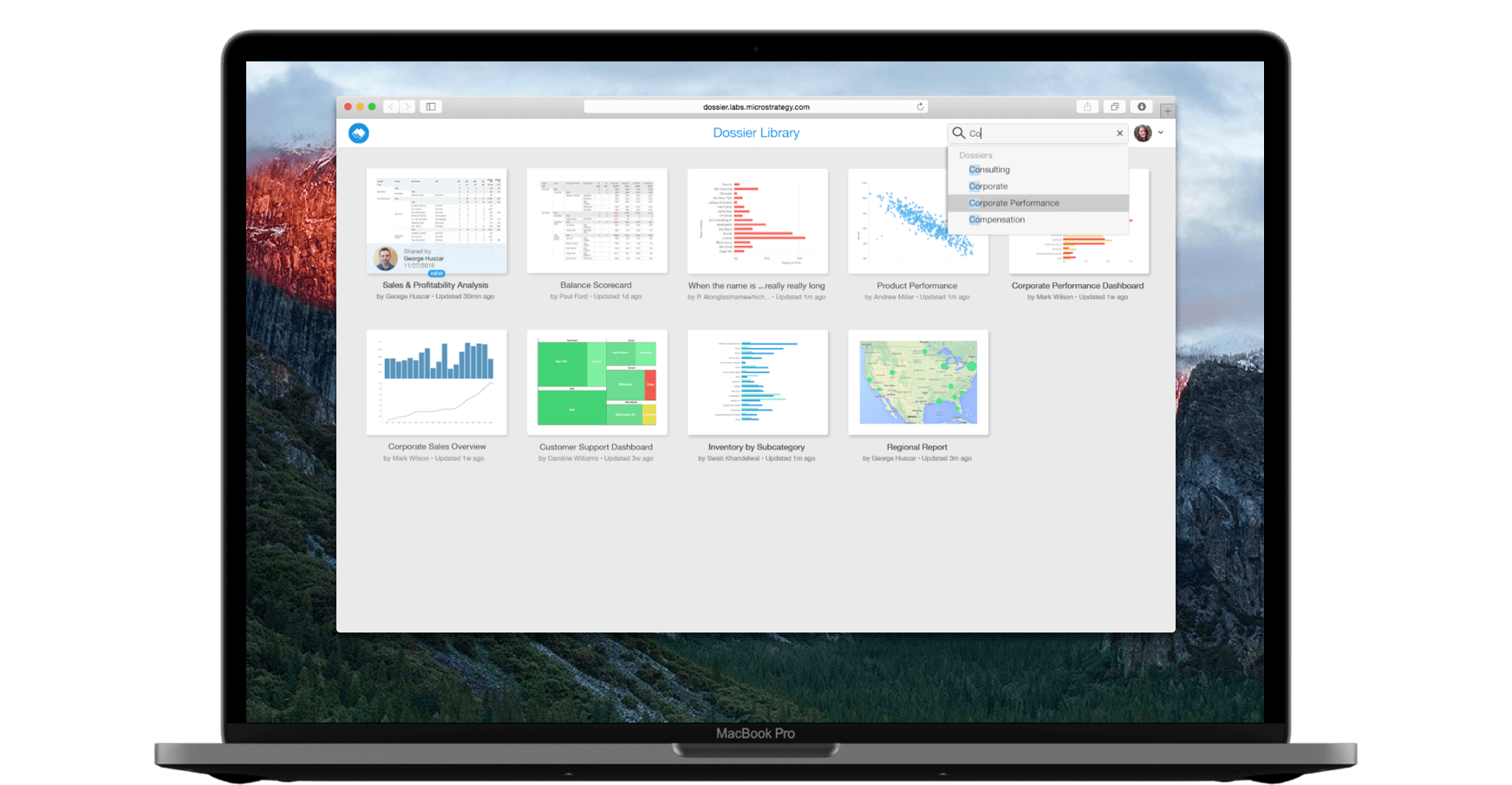
When I joined the team in 2016, MicroStrategy Library was in its early stage. Though users were able to leverage the analytical power of MicroStrategy to make business decisions, the overall experience is not contextual and personalized. Here is some feedback from early adopters. ↓
“It would be great if I could make my reports contextual and more purposeful.”
“I don’t want to miss out on any new and interesting data in my organization.”
“I want to find the right information I need rapidly in MicroStrategy Library.”
To consolidate this feedback into the product roadmap, I worked with product managers and stakeholders to establish our high-level objectives. ↓
To deeply understand customers' needs and help them achieve their desired outcomes, I worked with the design and product team to build customer personas. It created alignment across teams and prioritized the initiatives to invest time and resources in.
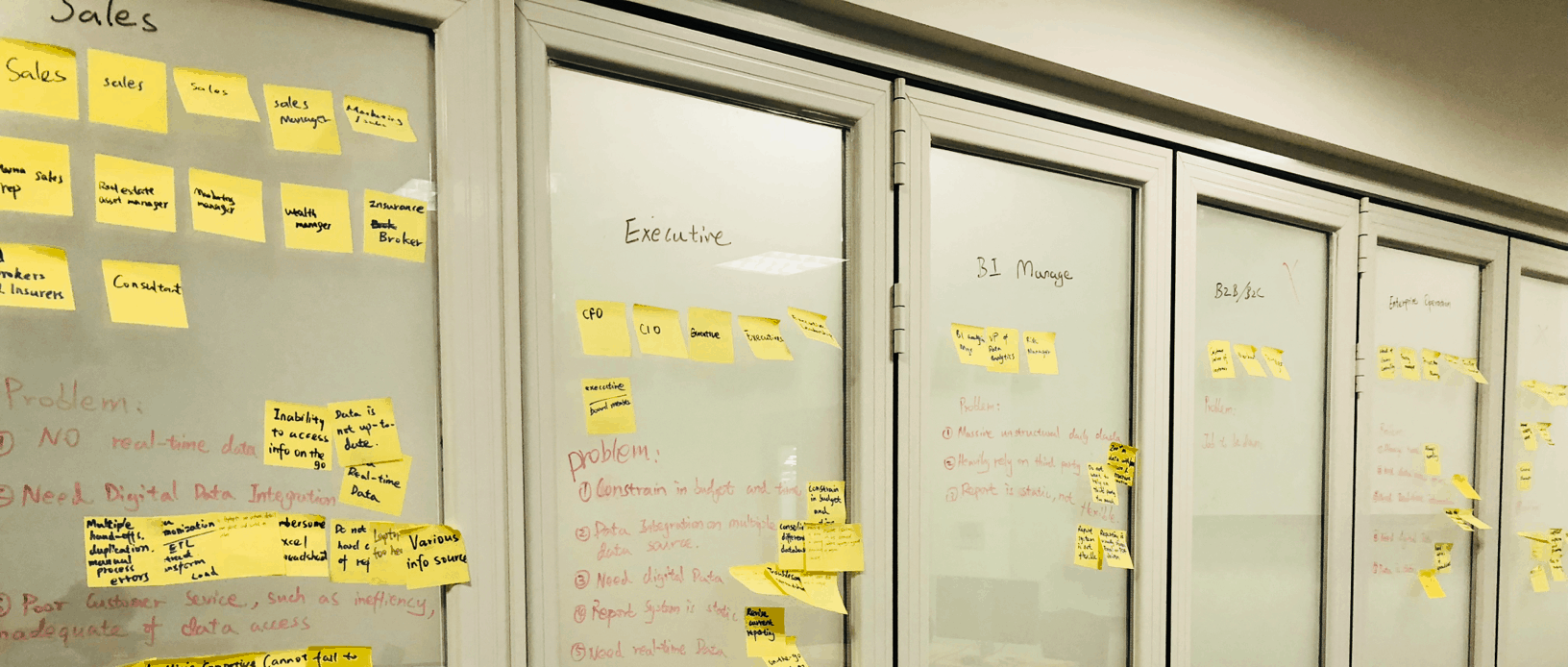
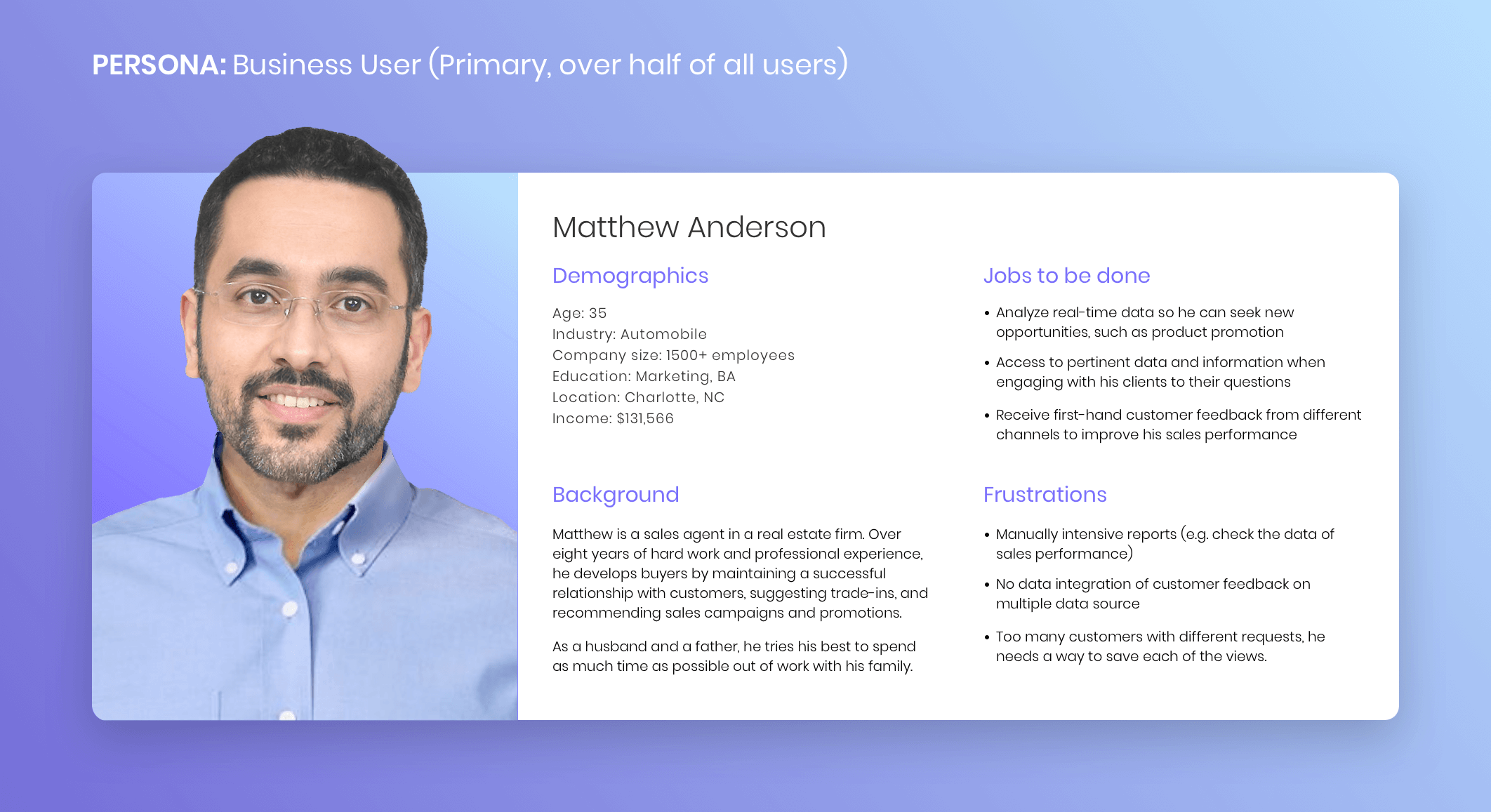
The research helped us align our expectations and understanding with what our customers truly need. According to that, we prioritized the essential features to meet their needs. I’ve listed some of these features I designed below. ↓
Most of our customers need to view different data every day. Filtering and drilling can be time consuming and inefficient. Therefore, they need to save views of a single report without creating multiple copies of the base report. To achieve that, the “bookmarks” feature was created. It allows users to create a context that can be viewed again at a later time without having to remember to set specific filters. These settings can be saved as a Bookmark, easily accessible from the Bookmarks menu.


Bookmarks allow users to save personal views unique to analysis. In addition to filters, bookmarks store a series of manipulations (such as in-canvas filtering, drilling, or sorting) on top of a report.

Users can also share existing bookmarks with other users. Recipients will receive updates when the bookmarks are modified.
With Library today, users can view a curated list of reports they want to access. However, data continuously changes, ebbs, and flows like a river. There is also a stream of people using data, filtering data, and talking about data out of the curated list.
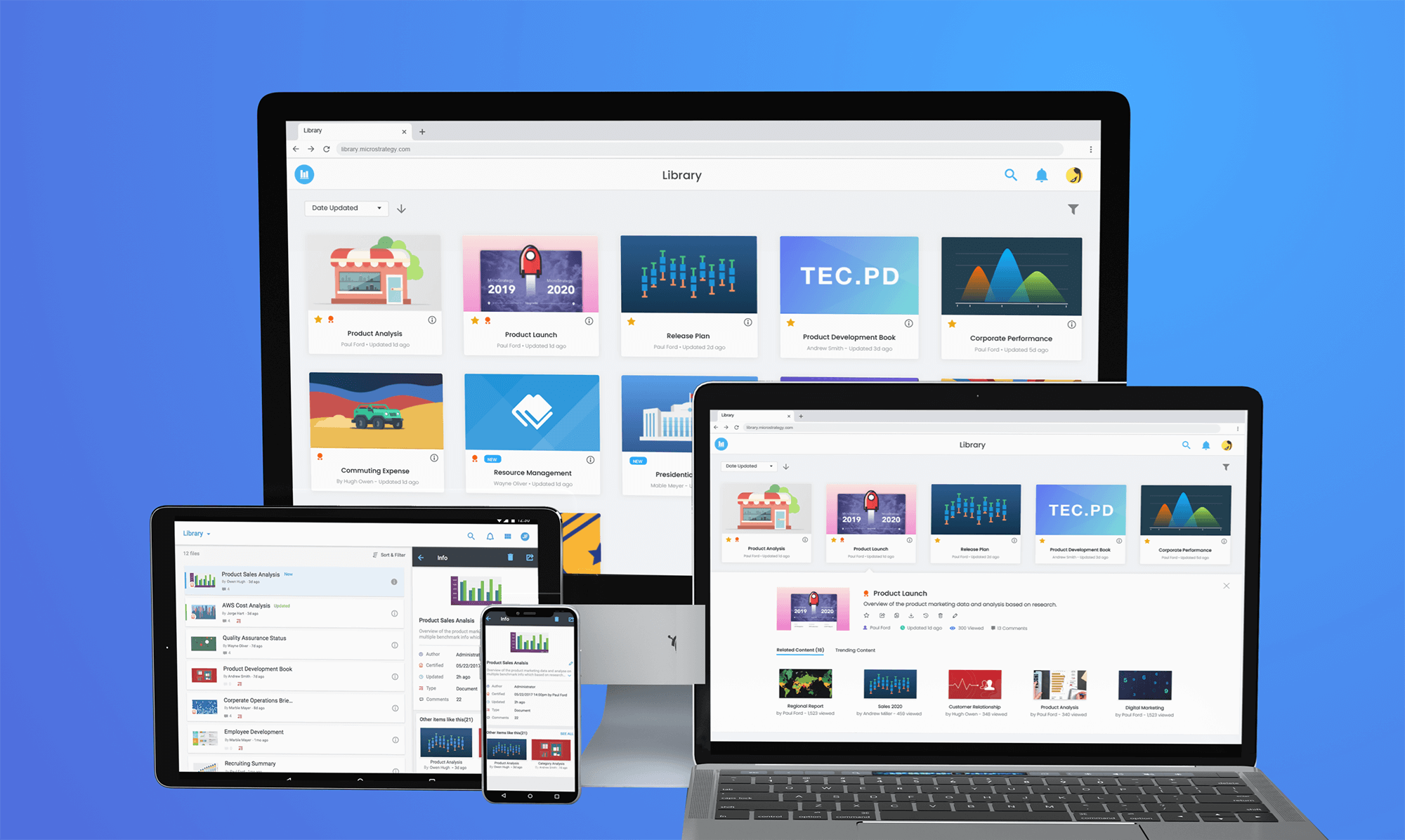
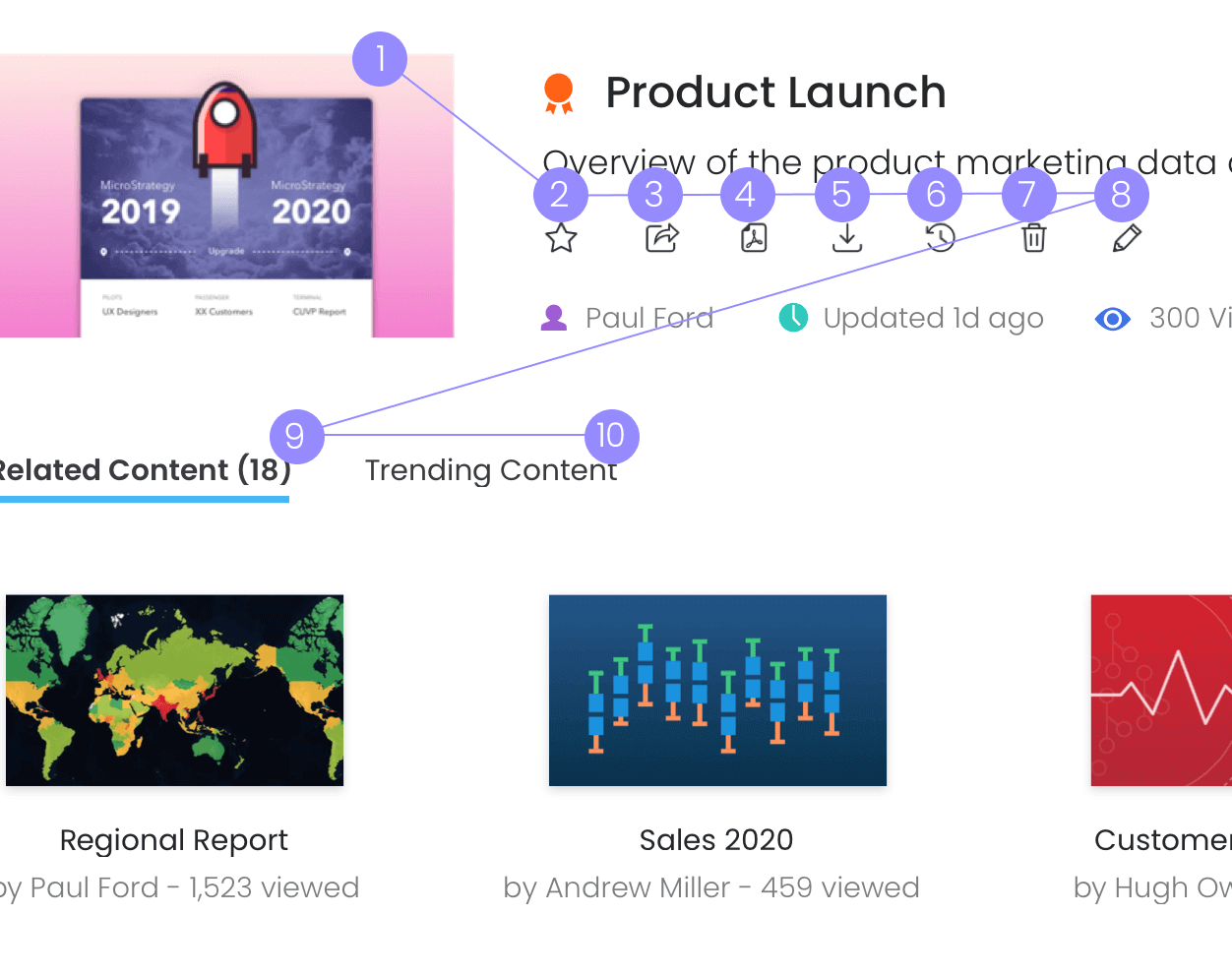
To help users find more valuable content to help them in their jobs, I designed the Info Window. Through this feature, they can find related or trending reports that may be of interest, and edit, export, or favorite the selected report.
Sometimes, it is not enough to learn from data. The best way to find valuable information, in some cases, is by talking to experts. In addition to looking for a solution from reports, they can be inspired by others' expertise.
Users have spent a lot of time finding the correct reports or applying complex filters to get their answers. Modern analytics platforms should provide an adaptive user experience where the overhead of accessing content is eliminated, and the time to access insights is reduced to seconds.
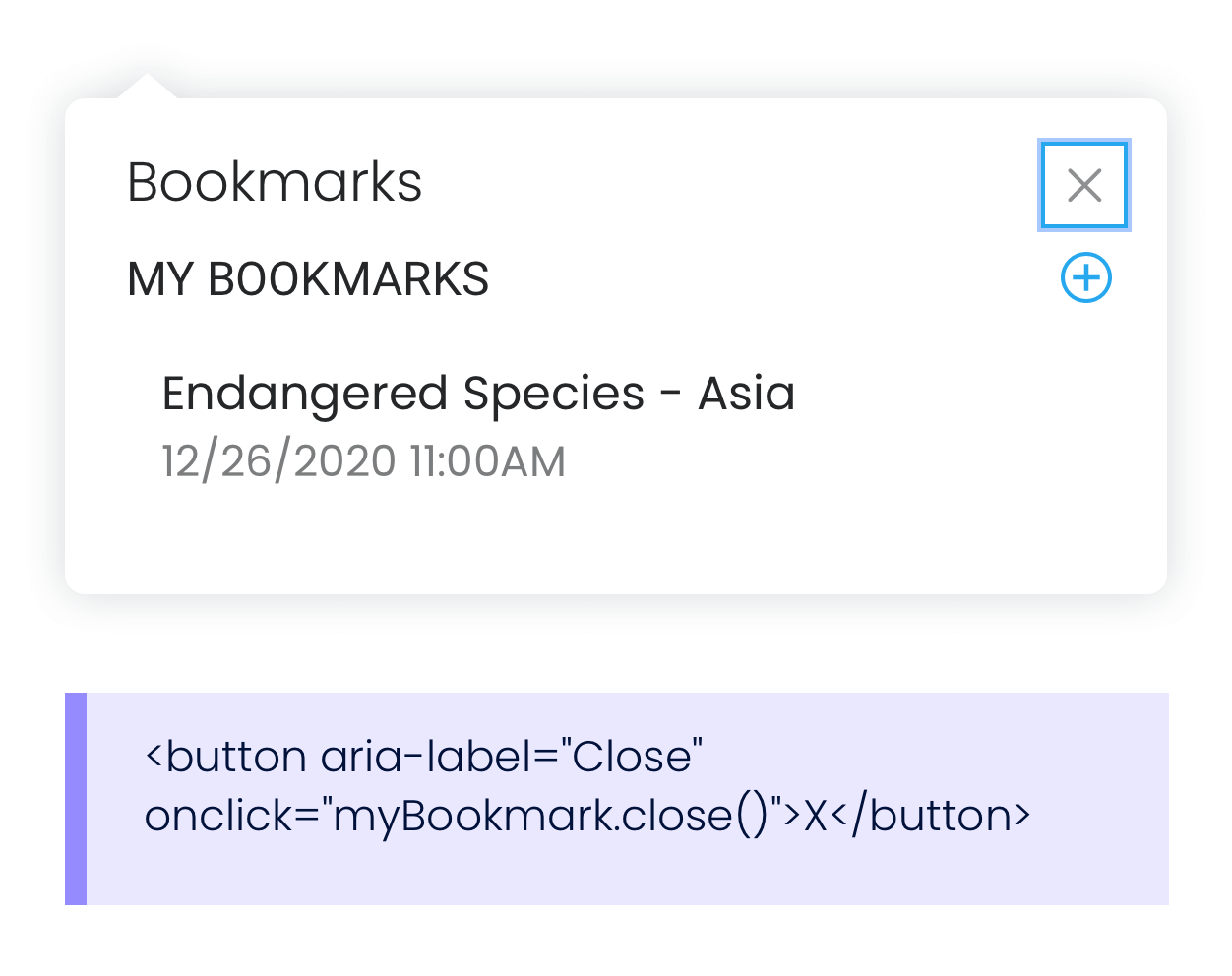
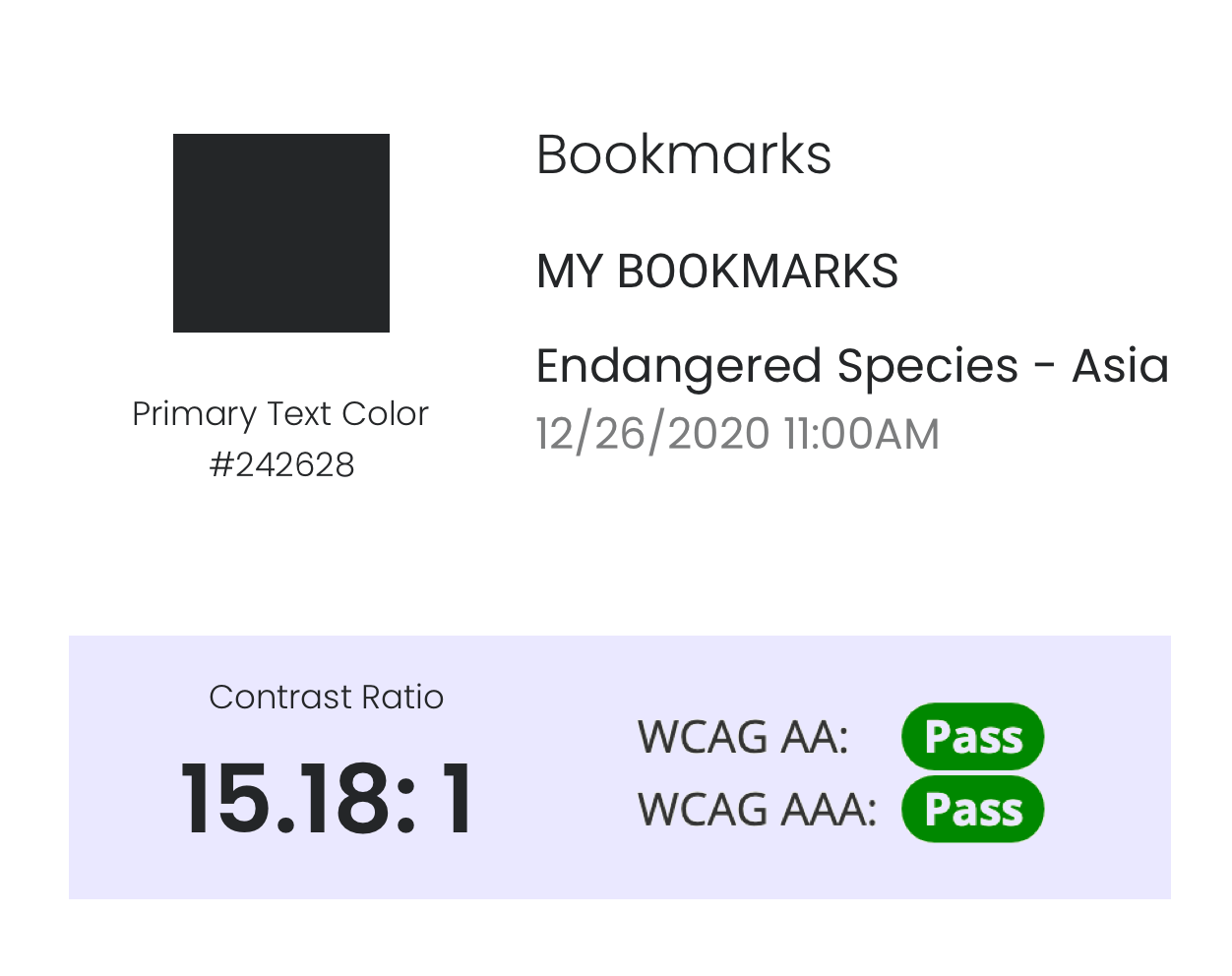
Accessibility enables people with disabilities to perceive, understand, navigate, interact with, and contribute. It is also part of a personalized experience and one of the most important considerations. Below are some examples of accessible features in the product. ↓
When Library was released into the market, we received positive responses from release candidates.
"Love all the functionalities! Makes Library more powerful and it's great to see Bookmarks available." - end user from UBS
"This is great. This is a lot of items our customers are looking for." - BI Architect from Cognizant
"Library brings the insights and personalized information to come to them at the right time, in the right place, on the apps and devices they use every day. " - Tim Lang, MicroStrategy CTO